





Craft Express Sublimation Heat Transfer Vinyl, Sublimation HTV for Cotton & Dark Fabrics
Craft Express Sublimation Heat Transfer Vinyl adds a sublimation-receptive layer to suitable cotton garments and canvas projects. Rather than transferring the image directly into bare cotton, you first attach the HTV to the fabric, then sublimate your artwork onto that layer.
Works with
-
 Sublimation
-
 Vinyl


Choose options
Description
Bring full-color sublimation artwork to cotton and dark-fabric projects
Craft Express Sublimation Heat Transfer Vinyl adds a sublimation-receptive layer to suitable cotton garments and canvas projects. Rather than transferring the image directly into bare cotton, you first attach the HTV to the fabric, then sublimate your artwork onto that layer.
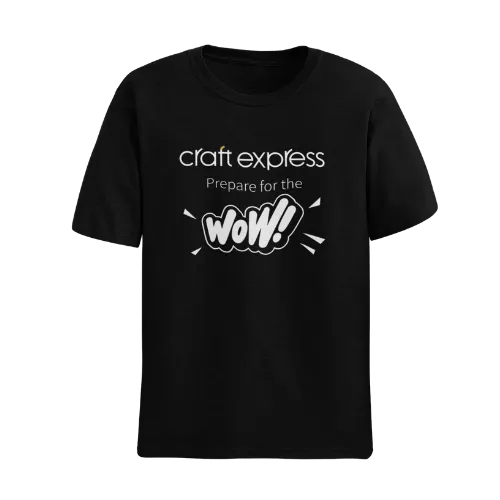
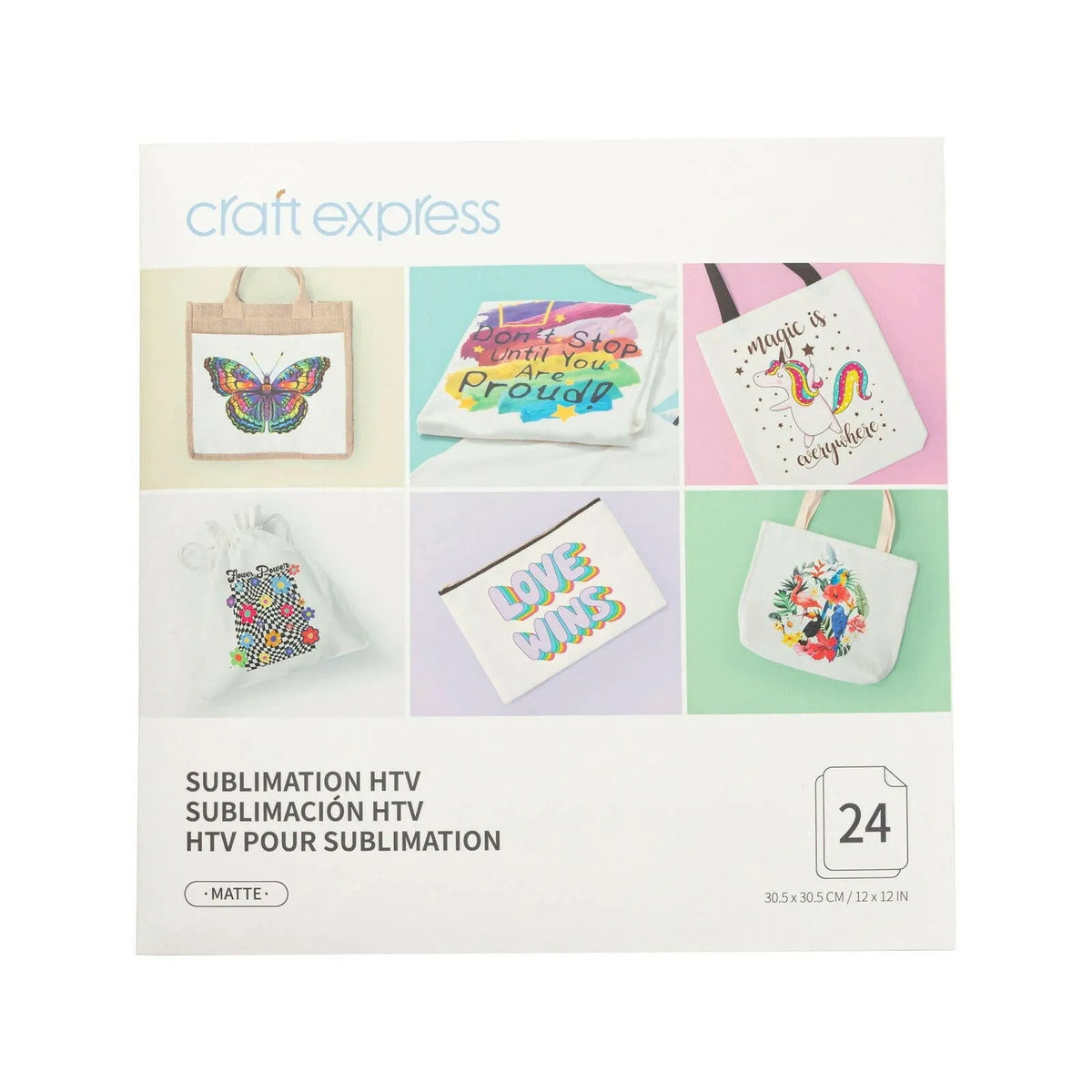
Picture a black cotton tee with a colorful graphic or a canvas tote personalized for a special occasion. Cut the HTV to your chosen shape, apply it using the listed first-stage process, and add your printed sublimation design in a separate pressing stage. It is a two-stage approach for makers who want to explore more fabric colors with their sublimation setup.
Why choose sublimation HTV?
- A receptive surface for sublimation: The image transfers onto the HTV layer, not directly into the cotton underneath.
- Cotton and dark-garment possibilities: Black cotton shirts and canvas totes are specifically named in the product guidance.
- Shape it for your project: A vinyl cutter is recommended; simple shapes can also be hand-cut or punched.
- Use a sublimation printing workflow: The listing specifies sublimation ink, sublimation paper, and a compatible inkjet sublimation printer.
- Separate application stages: Attach the HTV first, remove its carrier as directed, then apply the sublimation print.
Product details and buying information
| Detail | Listed information |
|---|---|
| Product | Craft Express Sublimation Heat Transfer Vinyl |
| Product reference / SKU | CESHTVM-24 |
| Transfer surface | Sublimation-receptive HTV top layer |
| Named projects | Cotton, including black or dark cotton garments, and canvas totes |
| Application | Two-stage heat-press process: attach HTV, then sublimate onto the attached layer |
| Cutting | Cut the vinyl side, not the clear carrier; weed excess material |
| Printing supplies | Sublimation ink and paper with a compatible inkjet sublimation printer |
| Size and quantity | Width, length, sheet dimensions, and pack quantity are not supplied in the detailed guidance |
| Construction | Base color, opacity, thickness, polymer composition, and stretch rating are not specified |
| Package format | The URL/search copy calls this a matte roll, while another field calls it sheets. Confirm the supplied format and finish before ordering |
Printer, cutter, heat press, garment, ink, paper, tape, and pressing accessories are not itemized as included. The SKU suffix does not establish the supplied dimensions or quantity.
Fabric and equipment compatibility
| Material or equipment | Project guidance |
|---|---|
| Cotton, including 100% cotton | Named in the listing. Confirm the garment tolerates both heat stages and test adhesion and appearance. |
| Black and dark cotton garments | Specifically named. Check the actual HTV base color and opacity, since no measured opacity or dye-blocking rating is supplied. |
| Canvas totes | Named as a project type. Verify the actual fiber composition, coatings, seams, and heat tolerance. |
| Polyester, blends, nylon, coated or performance fabrics | No fabric-specific approval or dye-migration guidance is supplied. Obtain confirmation before use. |
| Inkjet sublimation printer | Use compatible sublimation ink and paper. A printer brand alone does not establish media, ink-system, or profile suitability. |
| Vinyl cutter | Recommended for shaping the HTV. Blade, force, speed, carrier orientation, and cut-file mirroring settings are not supplied; obtain guidance and test-cut. |
| Heat press | The instructions provide a two-stage press recipe. Confirm usable area, garment tolerance, and suitable contact for the complete design. |
| Household iron | Mentioned in Features, but no separate iron recipe or pressure method is supplied. Do not assume heat-press settings translate directly. |
Listed two-stage pressing guide
| Stage | Temperature and time | Pressure and removal |
|---|---|---|
| 1. Attach HTV to fabric | 320°F (160°C) for 15 seconds | Firm pressure. Cool slightly, then remove the clear carrier sheet. |
| 2. Sublimate onto the attached HTV | 385°F (195°C), as paired in the supplied instructions, for 45–60 seconds | Tape the sublimation print over the HTV. Second-stage pressure is not specified. Follow the approved ink/paper/HTV combination’s paper-removal instructions. |
These are the listing’s stated settings, not a guarantee for every garment or press. Confirm the complete process before production, including protection sheets, transfer orientation, second-stage pressure, and paper-removal timing.
Prepare and apply your design
- Confirm the actual HTV format, printable face, base color, and compatibility with your fabric and printing system.
- Size the HTV shape and printed artwork together. Obtain the required orientation for both the cut file and sublimation print; do not assume one mirroring rule applies to both.
- Cut the vinyl side without cutting through the clear carrier, using a verified cutter setup. Weed the excess.
- Preheat the fabric to remove moisture as directed. No numeric preheat duration or temperature is supplied.
- Position the HTV and apply the listed first stage: 320°F (160°C), 15 seconds, firm pressure.
- Allow it to cool slightly, then remove the clear carrier sheet.
- Place the sublimation print against the receptive HTV surface and secure it with suitable tape.
- Apply the listed second stage: 385°F (195°C), 45–60 seconds, using verified second-stage pressure and protection.
- Remove the sublimation paper according to the confirmed transfer-system instructions. The listing permits hot or cold removal depending on ink and paper, rather than specifying one universal peel.
- Inspect a test piece and verify care performance before producing a larger run.
The instructions suggest a pressing pillow to help manage seams. Confirm how any pillow affects contact and pressure for your particular garment and press; it is not a substitute for correct setup.
Care and performance notes
The listing describes wash durability but does not supply a wash temperature, waiting period before washing, detergent restrictions, dryer setting, ironing guidance, or tested wash count. Obtain the product-specific care instructions and follow any more restrictive garment requirements.
No universal resistance to cracking, peeling, fading, stretching, or dye migration is established. Results depend on the material combination, application, design, and care. This HTV creates an applied layer; it is not the same as dye sublimated directly into polyester fibers.
Frequently asked questions
Can I use this on black cotton shirts?
Black and dark cotton garments are specifically named in the listing. Test the actual garment, HTV opacity, and complete pressing process first.
Does the ink transfer directly into the cotton?
No. It transfers onto the sublimation-receptive HTV layer attached to the fabric.
Do I print directly onto the HTV?
The supplied workflow prints onto sublimation paper, attaches the HTV to the garment first, then transfers the image from the paper onto the HTV.
Do I need a cutter?
A vinyl cutter is recommended, but simple shapes may be hand-cut or punched. Confirm orientation and cutting settings before use.
When do I remove the clear carrier?
After the first pressing stage, let the HTV cool slightly, then remove the carrier as instructed.
Is the sublimation paper hot peel or cold peel?
The listing defers to the ink and paper system. Confirm a compatible removal procedure rather than treating either timing as universal.
What size and quantity will I receive?
Dimensions and quantity are not supplied in the detailed guidance. Roll-versus-sheet wording also differs, so confirm the package before ordering.
Can I wash and tumble-dry the finished item?
The listing describes wash durability but provides no validated wash/dryer settings. Obtain the HTV-specific care instructions and respect the garment’s limits.
Explore colorful cotton and dark-fabric projects with a correctly matched sublimation HTV layer and a tested two-stage application process.