




Troubleshooting Color Issues in Sublimation and VersiFlex Printing
If your colors do not look right, you are not doing anything wrong. Color issues are one of the most common challenges crafters face with sublimation and VersiFlex printing, especially when you are still learning your setup. The good news is that most color problems have simple causes and easy fixes once you know what to look for.
This guide walks you through the most common color issues, explains why they happen, and helps you fix them step by step so you can get back to creating with confidence.
First, Take a Breath. Color Issues Are Normal
Every crafter runs into color problems at some point. Prints look dull, colors shift after pressing, or blacks turn brown instead of deep and rich. This does not mean your printer is broken or that you chose the wrong materials.
Color is affected by many small factors working together, including:
-
Ink type
-
Paper choice
-
Heat press settings
-
Blank material
-
Printer setup
The key is learning how to troubleshoot calmly instead of guessing or changing everything at once.
Common Color Problems and What They Mean
Colors Look Dull or Faded After Pressing
This is one of the most common complaints and it usually comes down to heat or material compatibility.
Possible causes include:
-
Press temperature too low
-
Incorrect pressure
-
Using sublimation on low polyester content
-
Moisture in fabric
Fixes to try:
-
Confirm your press is reaching the correct temperature
-
Increase pressure slightly
-
Pre press fabric to remove moisture
-
Double check that your blank is compatible
A reliable press like those found in Craft Express heat presses helps eliminate many of these issues.
Colors Look Different After Pressing Than They Did on Paper
This one can feel scary, but it is completely normal.
Sublimation prints often look dull or washed out on paper before pressing. The true color appears only after heat is applied. If colors still look wrong after pressing, the issue may be:
-
Incorrect color settings
-
Wrong paper for the ink type
-
Press temperature running hot or cool
Always judge color after pressing, not before.
Blacks Look Brown or Gray
Black ink is very sensitive to heat and pressure.
Common causes:
-
Press temperature too high
-
Over pressing
-
Inconsistent heat across the platen
Fixes:
-
Lower temperature slightly
-
Check platen temperature accuracy
-
Use fresh protective paper every press
Small temperature changes can make a big difference with dark colors.
Colors Look Uneven or Patchy
Uneven color usually points to pressure or surface issues.
Possible reasons:
-
Uneven pressure from seams or zippers
-
Fabric not pre pressed
-
Warped or textured blanks
Solutions:
-
Use pressing pillows or foam pads
-
Make sure the surface is flat
-
Adjust pressure for thicker items
Accessories from Craft Express heat press accessories are extremely helpful for solving these problems.
Check Your Printer Setup Before Blaming the Ink
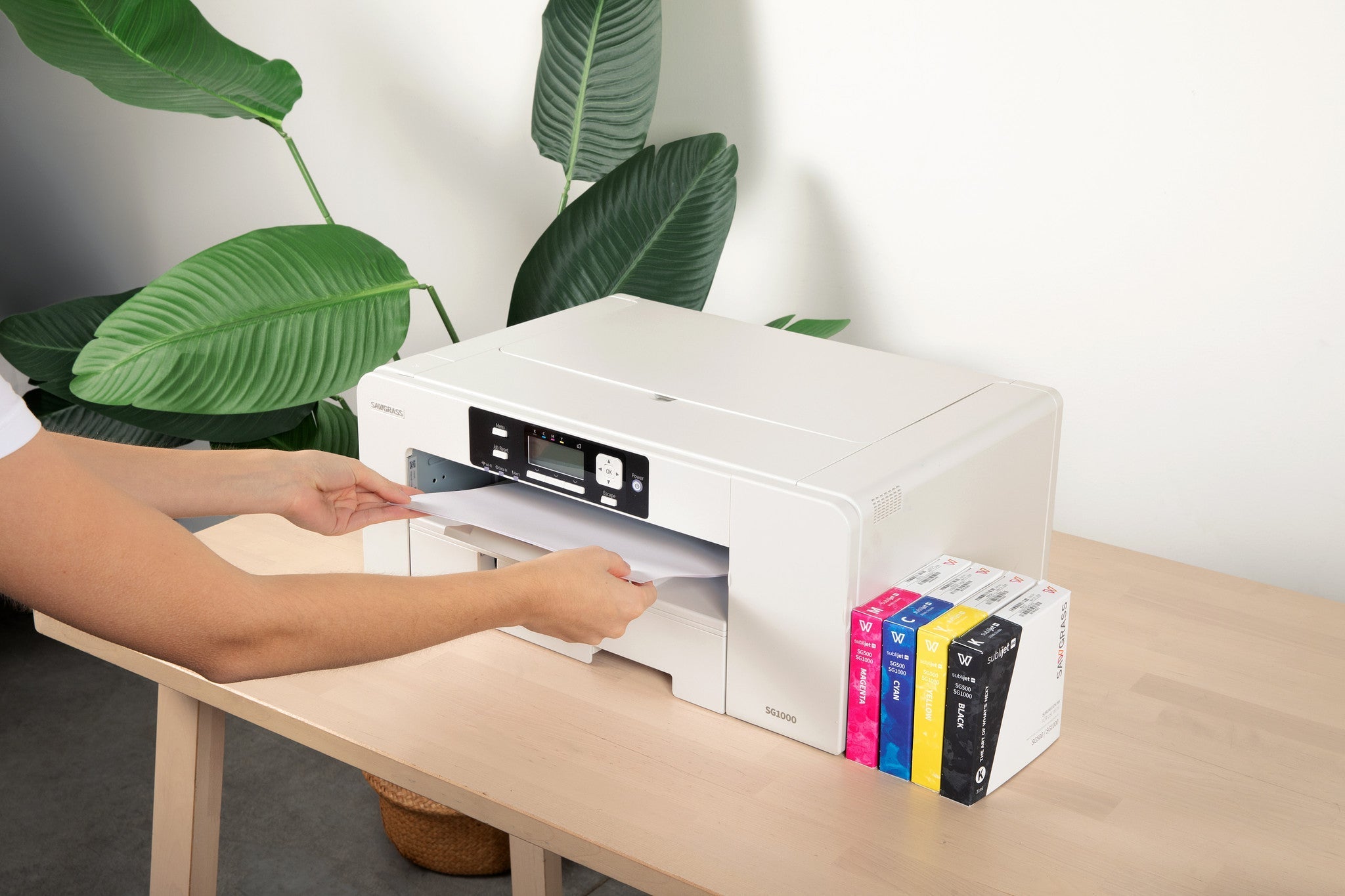
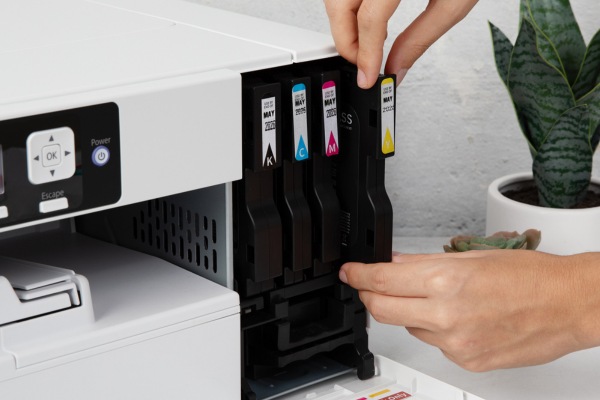
When color issues happen, many people assume the ink is the problem. More often, the issue is in the printer setup.
Check these basics:
-
Print quality set to high or best
-
Eco or ink saving modes turned off
-
Correct paper type selected
-
Printer dedicated to one ink type only
Also make sure you are using the correct paper for your ink. Sublimation ink and VersiFlex ink each require their own specific paper.
Material Choice Has a Huge Impact on Color
No amount of adjusting settings will fix color if the material is not compatible.
For best results:
-
Use polyester or coated blanks for sublimation
-
Use cotton, canvas, or unfinished wood for VersiFlex
-
Stick to light colored blanks for vibrant designs
Quality blanks from Craft Express blanks and apparel help ensure your colors show as intended.
Why Testing Saves Your Sanity
Testing is not wasted time. It is how you learn your setup.
When troubleshooting:
-
Change only one variable at a time
-
Take notes on what improves or worsens results
-
Test on scrap material before final projects
This approach turns frustration into confidence and gives you repeatable success.
A Simple Color Troubleshooting Checklist
Before reprinting or re pressing, ask yourself:
-
Is the blank compatible with my ink?
-
Is my press temperature accurate?
-
Did I pre press the material?
-
Am I using the correct paper?
-
Is my pressure even?
Most color problems are solved by answering these questions honestly.
Final Thoughts
Color troubleshooting is part of the crafting journey, not a failure. Once you understand how ink, heat, paper, and material work together, color becomes much more predictable. The goal is not perfection on the first try. The goal is learning how to fix issues calmly and confidently when they appear.
Every successful crafter you admire has been exactly where you are right now.
Ready to start your handmade sublimation, VersiFlex, DTF or HTV business? Head to craftexpressus.com for heat presses, blanks, supplies and more!
FAQ: Fixing Color Issues
Why does my print look dull before pressing?
That is normal for sublimation. Color appears after heat is applied.
Why do my colors change after pressing?
Heat, pressure, and material compatibility all affect final color.
Should I change multiple settings at once?
No. Change one thing at a time so you know what caused the improvement.
Does pressure affect color?
Yes. Uneven or insufficient pressure can cause patchy or faded color.

Leave a comment
This site is protected by hCaptcha and the hCaptcha Privacy Policy and Terms of Service apply.