



Craft Express Sublimation Vegan Leather Mousepads: 9 x 7 Inch White
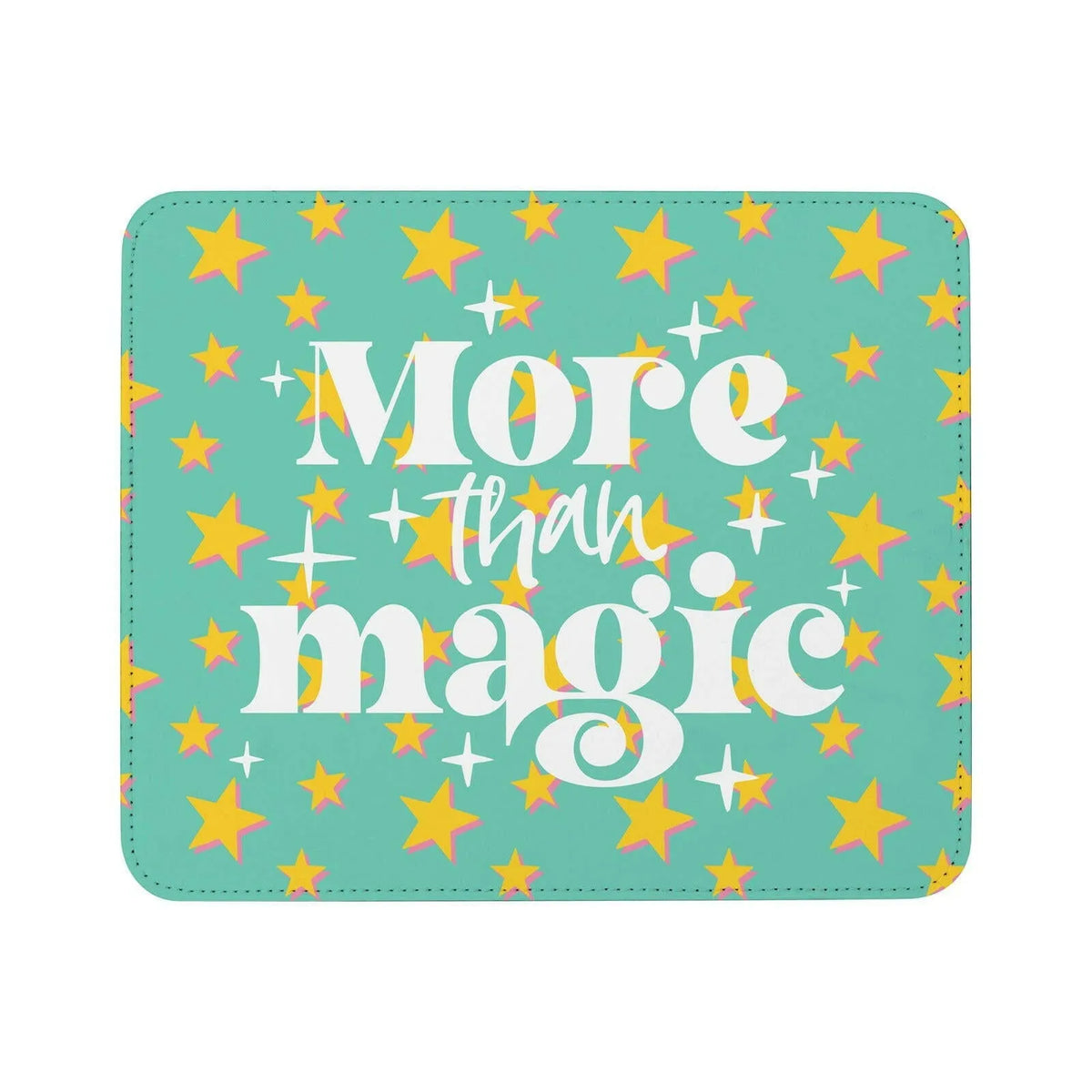
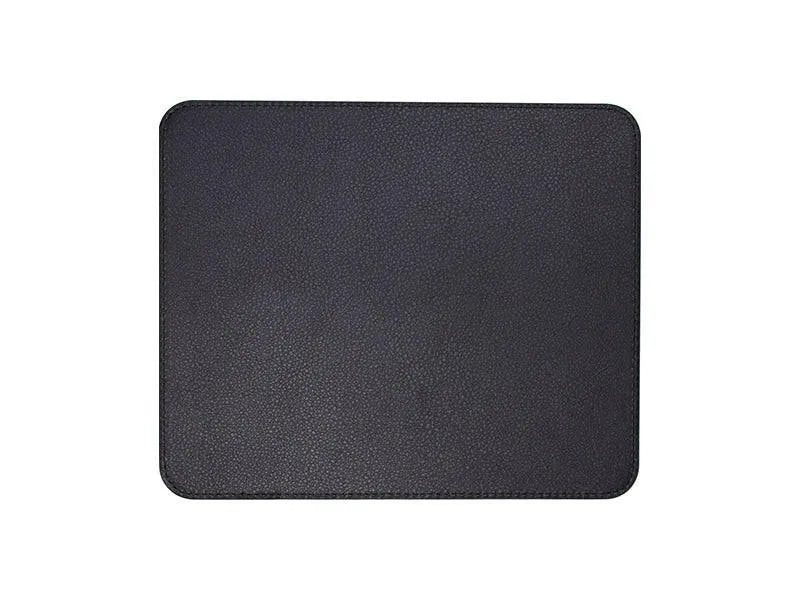
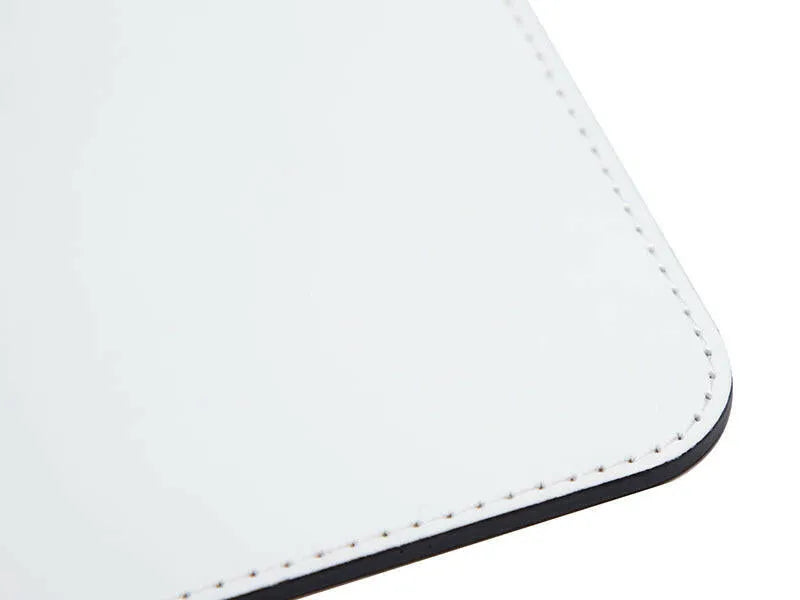
Turn a favorite photo, an original illustration, or a business logo into a practical desk accessory. Craft Express Sublimation Vegan Leather Mousepads feature a smooth white printable face, black backing, and stitched edges for a finished look that complements your artwork.
Choose options
Description
A little personality for the place you work every day.
Turn a favorite photo, an original illustration, or a business logo into a practical desk accessory. Craft Express Sublimation Vegan Leather Mousepads feature a smooth white printable face, black backing, and stitched edges for a finished look that complements your artwork.
Imagine sitting down to a desk brightened by a family memory or packaging a personalized mousepad as a thoughtful new-job gift. The 9 × 7-inch [228.6 × 177.8mm] format gives your design a dedicated place in an everyday workspace, whether you are making one personal piece or a coordinated set for a team.
Why choose these sublimation mousepads?
- White sublimation-ready face: A light starting surface for photos, names, patterns, and branded designs.
- PU vegan leather construction: A smooth leather-look surface without describing the blank as genuine animal leather.
- Stitched edges and black backing: Finishing details suited to a personalized desk accessory.
- Wipe-clean care: Clean with a damp cloth rather than machine washing.
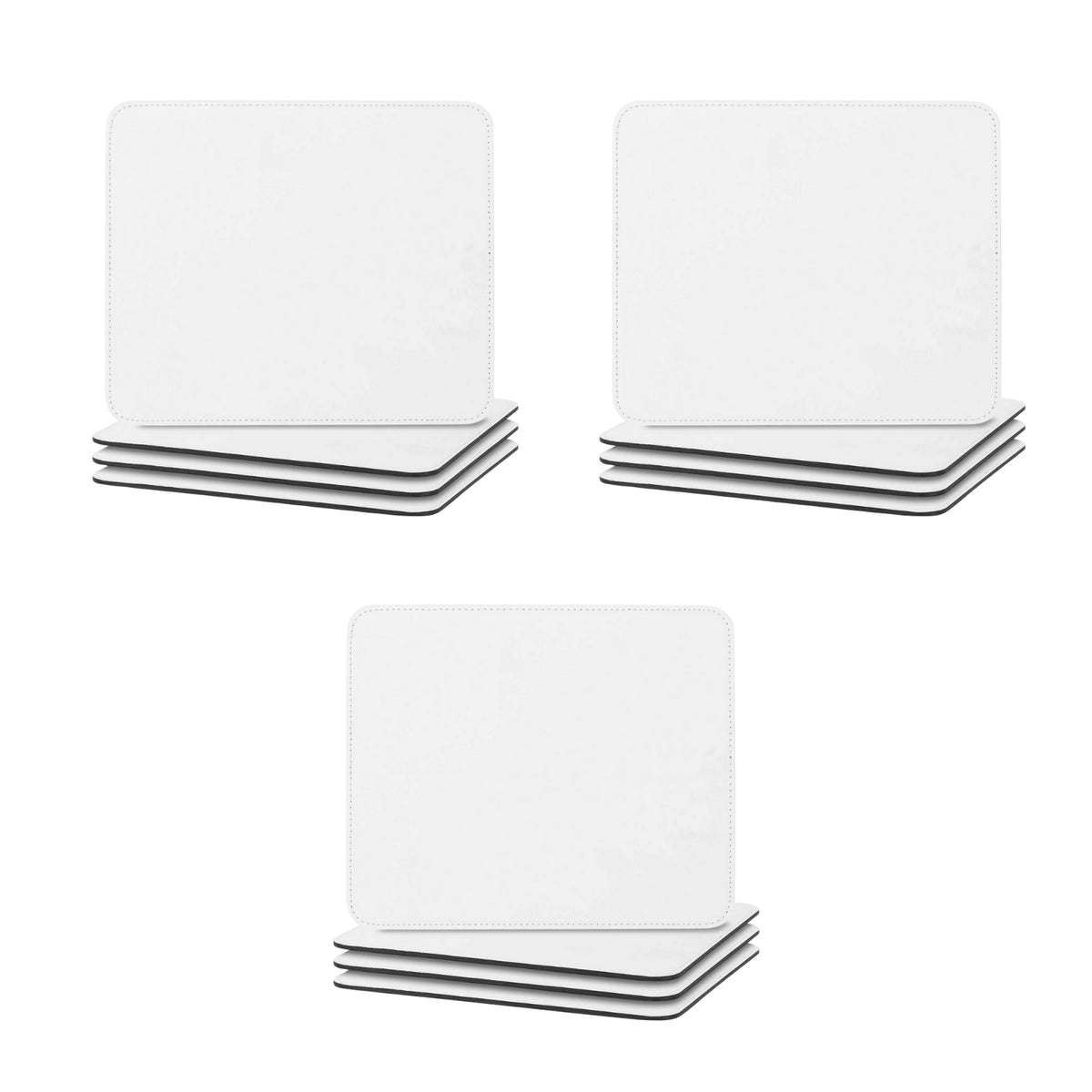
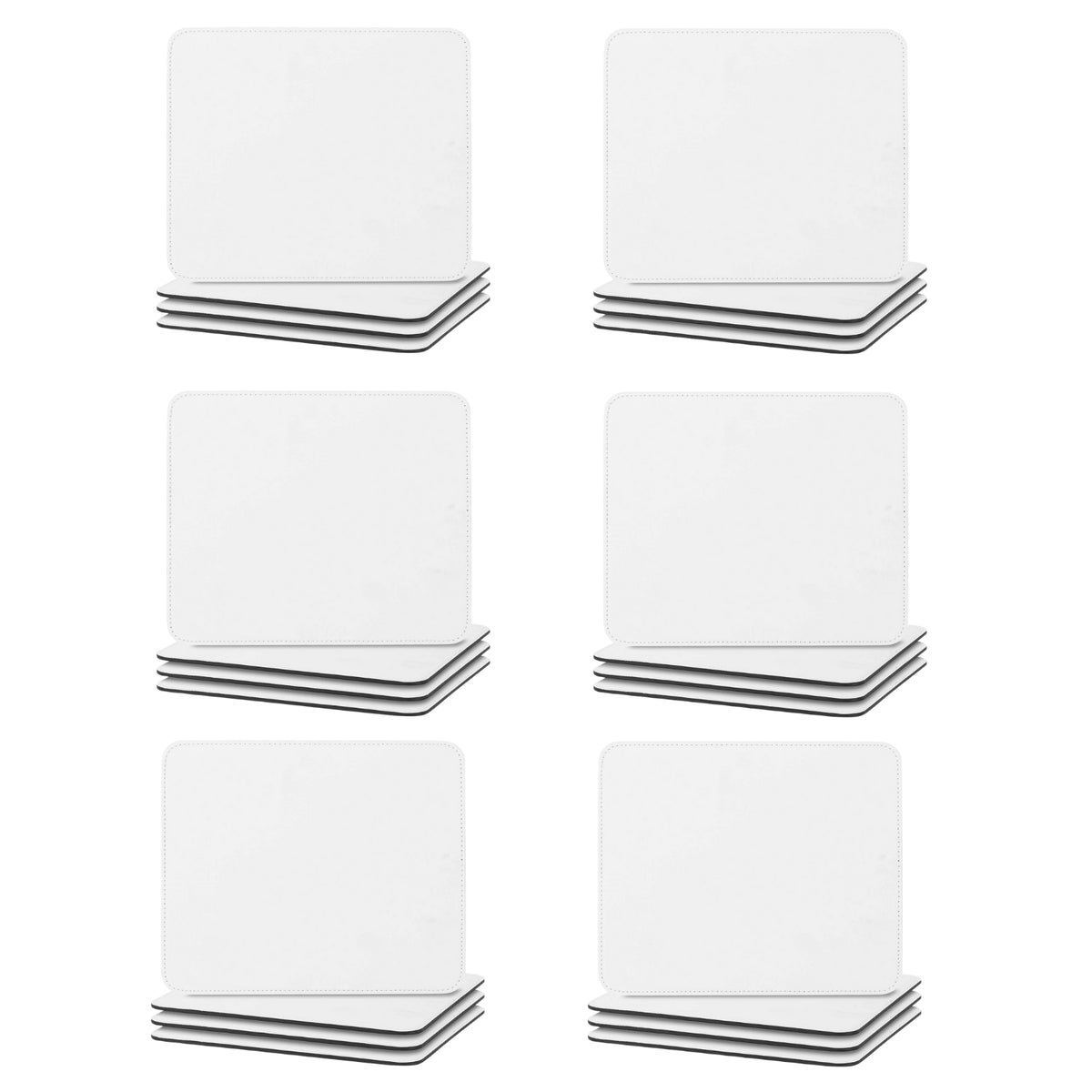
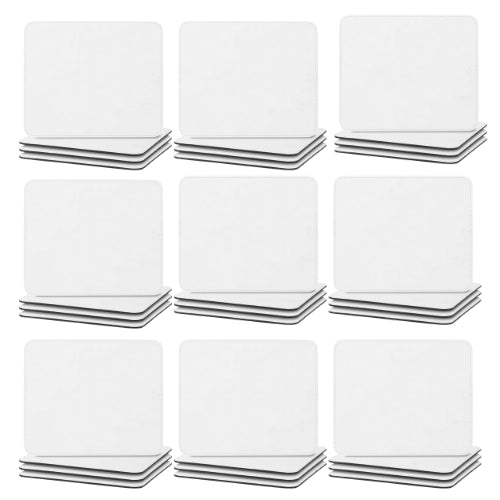
- Choose your project quantity: Select a 2-, 4-, 12-, 24-, or 36-pack from the available count options.
Specifications and buying details
| Detail | Product information |
|---|---|
| Product | Blank sublimation mousepads |
| Size | 9 × 7 inches [228.6 × 177.8mm] each |
| Listed material | PU vegan leather; complete layer composition and thickness are not supplied |
| Printable face | Smooth white top surface prepared for sublimation |
| Backing | Black; backing material is not specified |
| Edge finish | Stitched |
| Pack options | 2, 4, 12, 24, or 36 mousepads, according to the selected option |
| Personalization equipment | Compatible sublimation printing supplies and a suitable flat heat press, purchased separately |
The mousepads are supplied as blanks for your own artwork. Choose the count you need; this listing is not limited to the four-pack mentioned in older copy. No double-sided printing procedure, rubber backing specification, or universal mouse-sensor performance rating is supplied.
Printing and equipment compatibility
| Method or equipment | Guidance |
|---|---|
| Sublimation printing | Use a compatible printer, sublimation ink, and transfer paper with an approved process for the white printable face. |
| Flat heat press | Use a press capable of covering the intended design with even contact and the required pressure. Account for the stitched edges when setting up. |
| Sawgrass, Epson, or Brother equipment | These brands are named in the existing FAQ, but brand name alone does not establish compatibility for every printer, ink, or paper combination. |
| VersiFlex | Named in the existing FAQ without a complete media-specific workflow. Confirm the exact ink, media, and blank approval rather than treating different transfer systems as interchangeable. |
| HTV, textile DTF, or UV DTF | No complete product-specific application procedure is supplied. Product tags alone do not establish approval. |
| Black underside | No sublimation procedure is supplied for this face. |
Listed pressing reference
| Parameter | Available instruction |
|---|---|
| Temperature | 385°F (196°C) |
| Time | 60 seconds |
| Pressure | Medium |
| Transfer placement | Printed side facing the white printable surface |
| Protection | Use an appropriate protective sheet as directed for your setup |
| Paper removal | Peeling is mentioned, but no explicit hot, warm, or cold peel stage is supplied |
| Cooling | Allow to cool fully before ordinary handling or stacking |
These settings come from the listing’s existing instructions, which still use the older placemat wording. Confirm that they apply to the current mousepad blank before production and test a sample. Cooling before handling or stacking does not, by itself, define when to remove the transfer paper. Artwork mirroring and any protective-film removal also need confirmation for the supplied blank and transfer process.
How to prepare your personalized mousepad
- Select your pack count and plan artwork for the 9 × 7-inch [228.6 × 177.8mm] blank, allowing for its actual printable area and stitched border.
- Confirm the supplied blank’s pressing instructions, artwork orientation, paper-peel stage, and any film-removal requirement.
- Print with compatible sublimation ink and paper. Prepare the white printable face clean and dry according to the blank supplier’s instructions.
- Position the printed transfer face-down against the white surface and secure it using a method approved for the material.
- Protect the press and project with suitable sheets and use the confirmed temperature, time, and pressure. Test one piece before making a batch.
- Remove the transfer at the confirmed peel stage without shifting it across the design.
- Allow the mousepad to cool fully before regular handling, stacking, or packaging.
Care and everyday use
Wipe gently with a damp cloth. The existing FAQ says these blanks are not machine washable. No dishwasher, immersion, abrasive-cleaner, or solvent-cleaner approval is supplied.
Use as a personalized desk mousepad. The sublimation pressing reference is not a hot-pan or continuous-service heat rating, and older placemat wording does not establish suitability as a trivet, food-contact mat, pet feeding mat, or protective craft-cutting surface. No environmental certification, biodegradability claim, or independently verified sustainability benefit is supplied for the PU material.
Frequently asked questions
What size is each mousepad?
Each is listed as 9 × 7 inches [228.6 × 177.8mm]. Confirm the actual printable area before laying out edge-to-edge artwork.
How many are in a pack?
Choose a 2-, 4-, 12-, 24-, or 36-pack. The quantity follows your selected count option.
Are these genuine leather?
No. The main product copy identifies PU vegan leather. A complete layer-by-layer material specification is not supplied.
Which side do I print?
The white top face is described as sublimation-ready. The black backing is not listed as printable.
What pressing settings are listed?
385°F (196°C) for 60 seconds with medium pressure. Because the existing instructions retain older placemat wording, confirm the current blank’s procedure and test a sample.
Should I peel hot or cold?
The available instructions do not define a paper-peel temperature. Confirm that step rather than assuming the full-cooling instruction applies to the paper.
Can I machine wash it?
No. Use a damp cloth for cleaning, as directed in the existing FAQ.
Will it work with every mouse?
No universal optical or laser sensor compatibility test is supplied. Evaluate it with the mouse used in your intended workspace.
Why do some other product details call it a placemat?
Some older listing fields retain that wording. The current product title and main description identify this item as a 9 × 7-inch white sublimation mousepad.
Bring your own artwork to a useful everyday blank and make the desk feel a little more personal.